The Meetings module in Finalcad One makes it easy to manage your meetings by letting you efficiently document your discussions, keep track of action items, and quickly share the minutes right inside your project. This approach boosts communication and collaboration between everyone involved.
Free | Premium | Business | Enterprise |
|
|
|
|
Summary table of offers

To get started, create a meeting by giving it a title and a date. If you want to save time, you can create a new meeting from an existing one to keep its structure and properties.
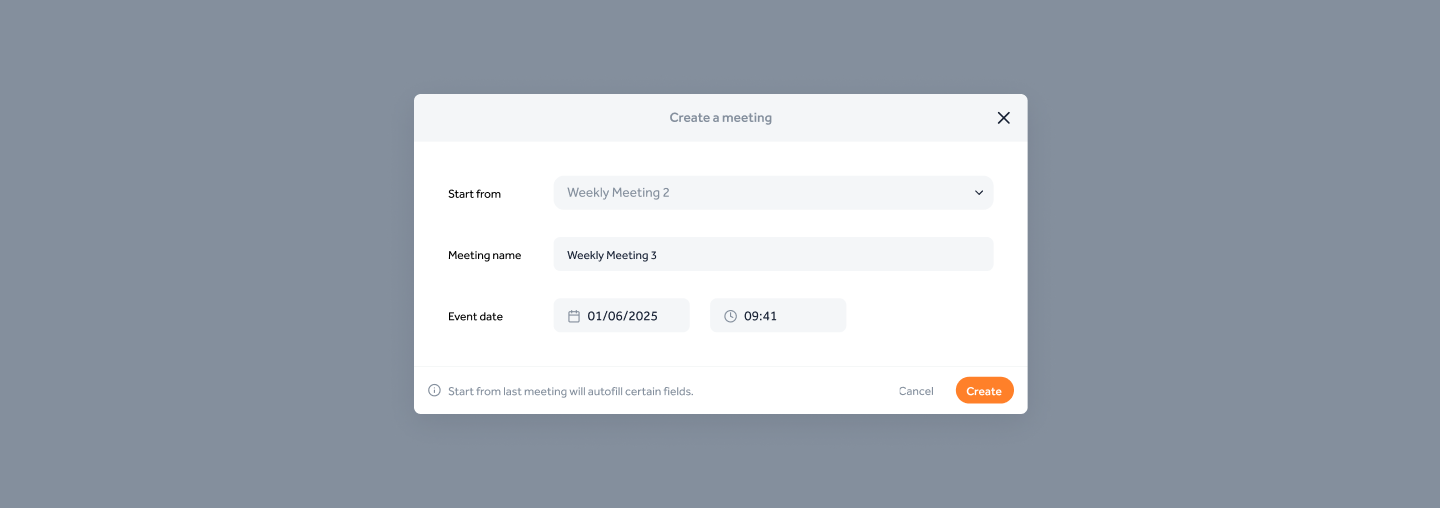
Modal for creating a new meeting session
Once your meeting is created, you can add members of your project who will take part in it. You’ll also be able to efficiently manage their attendance status on the day of the event, so you can keep accurate track of participation and adapt the meeting accordingly.
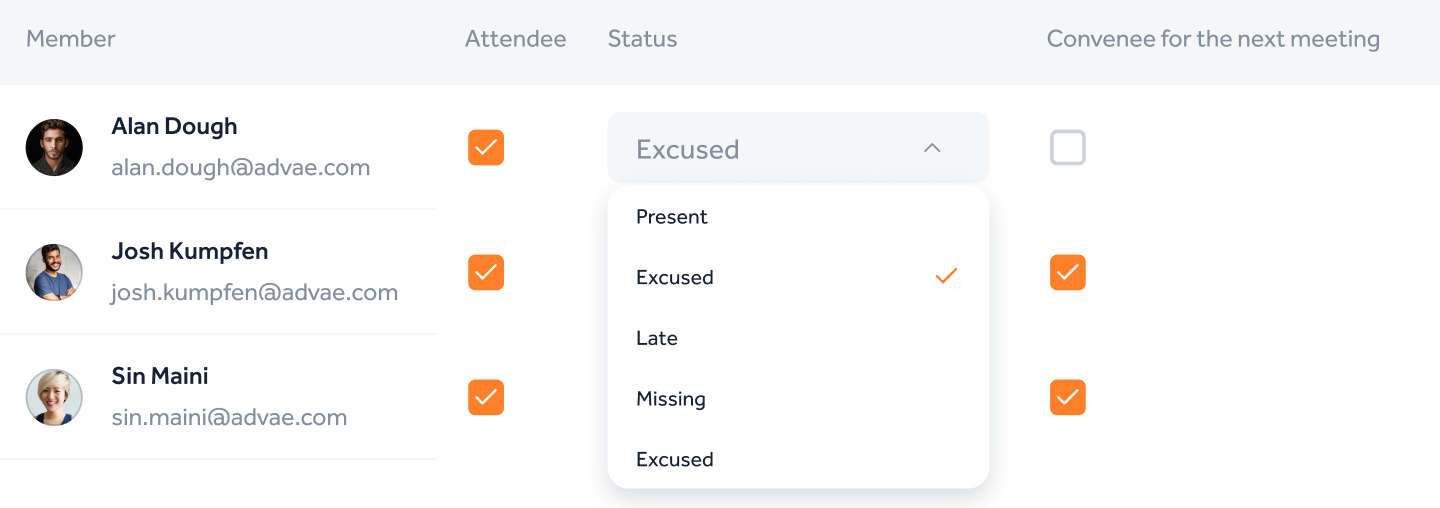
Illustration of attendance management
Sections help you organize your meeting notes efficiently by theme. To make things easier, we've made around ten commonly used sections in the construction industry by default.
In every section, you can not only write text but also bring in items from other modules (notes, tasks). This centralized way lets you put your discussions in context and link them directly to different aspects of your project.

Illustration of sections in a meeting session
Plan your next meeting efficiently by creating a full list of people to invite. This feature helps you organize your schedule and let everyone involved know ahead of time.
To boost visibility and make tracking easier, the date and time of your next meeting are automatically displayed on your project’s homepage, so every team member can plan accordingly.
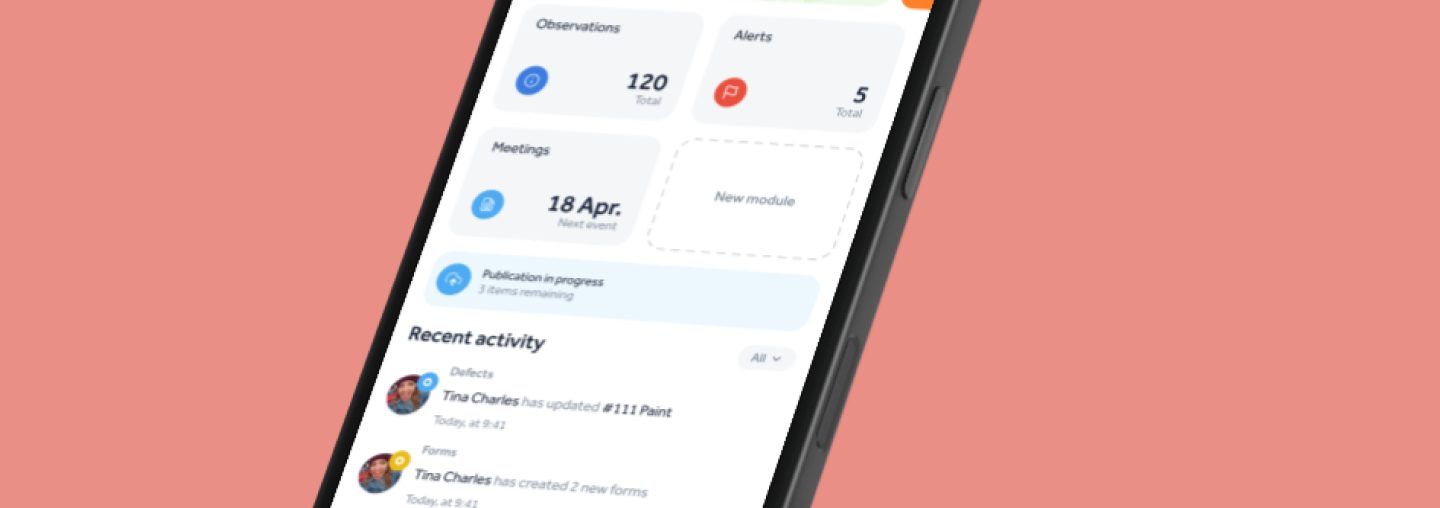
Preview of the next meeting on the mobile app
Easily export your meeting as a PDF to share it with all the participants. This structured doc includes a summary cover page and organizes all notes by section, giving you clear and complete documentation.
The download happens in the background, so you can keep working while the document is generated. Go to your downloads to grab the meeting’s PDF.
Action | Admin | Project editor | Limited editor | Guest |
Create / delete a meeting |
|
|
|
|
Edit meeting info |
|
|
|
|
Add participants and edit their status |
|
|
|
|
Lock a meeting |
|
|
|
|
Add / edit / delete sections / notes |
|
|
|
|
Edit note properties (date, status, …) |
|
|
|
|
Add an image to a note |
|
|
|
|
Delete an image from a note |
|
(only your own image) |
|
|
Generate a PDF of the meeting |
|
|
|
|
View / download the meeting PDF report |
|
|
|
|
The meetings module saves you time before, during, and after the site visit. Do you think it could be improved and have ideas?
 Let us know your feedback on Productboard!