The general configuration, as well as the different data sources, are organized into separate folders to make navigation and parameter management within the template easier.
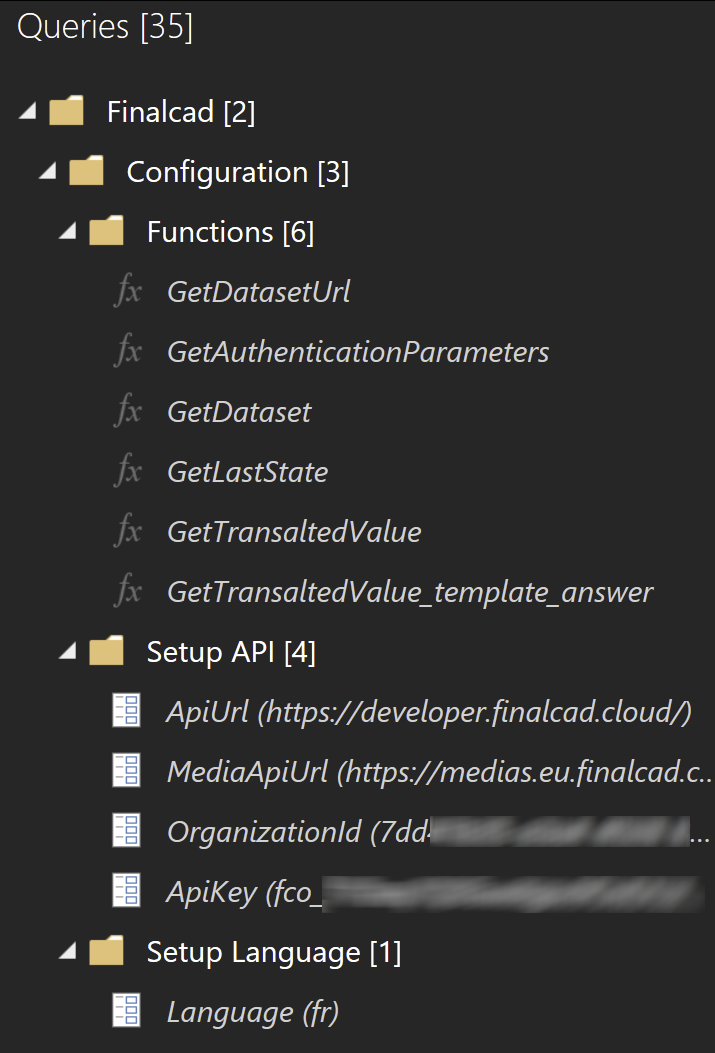
The OrganizationId and ApiKey must be filled in with your organization’s identifier and your Finalcad API access key. These are essential for authenticating and securing access to your data.
To obtain your OrganizationId, navigate to your organization in the web application. The ID is available in the URL after "organization/".

This folder contains generic functions used across the different data sources in the template. These functions facilitate request management, authentication, dataset retrieval, and translation management.
This allows you to set the default language that will be used to retrieve data and translations from the different sources.
Just like the general configuration, the different data sources are available in the Data Model folder.
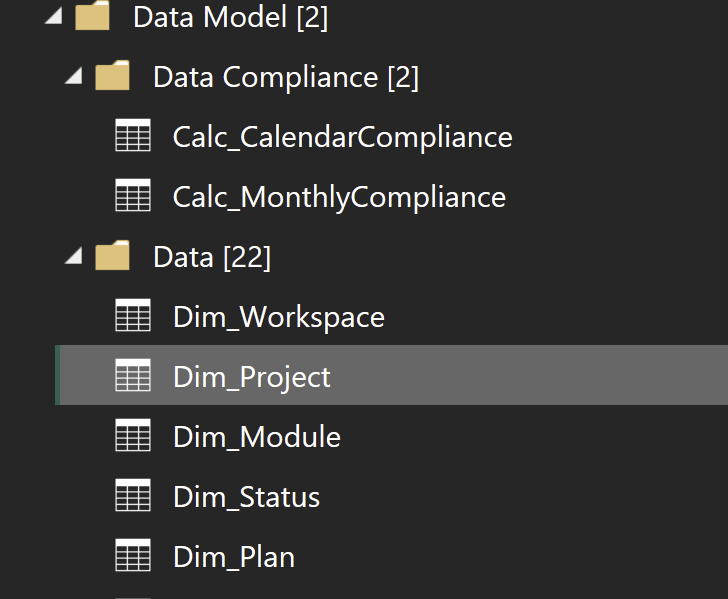
Each source corresponds to a specific dataset and represents a particular entity. For each source, you start from a blank query and provide the code needed to retrieve the dataset in the desired format.
You can find detailed documentation on dataset retrieval here:
Some additional sources, which do not call the API directly, reuse previously defined sources. This is particularly useful for creating charts that show trends over time based on already collected data.
You can also add your own data sources in this folder to enrich the model according to your specific needs.
The Model View in Power BI allows you to visualize all the tables (data sources) as well as the relationships between them. The links between the different sources are defined here, enabling you to structure and efficiently cross-reference data in your reports.
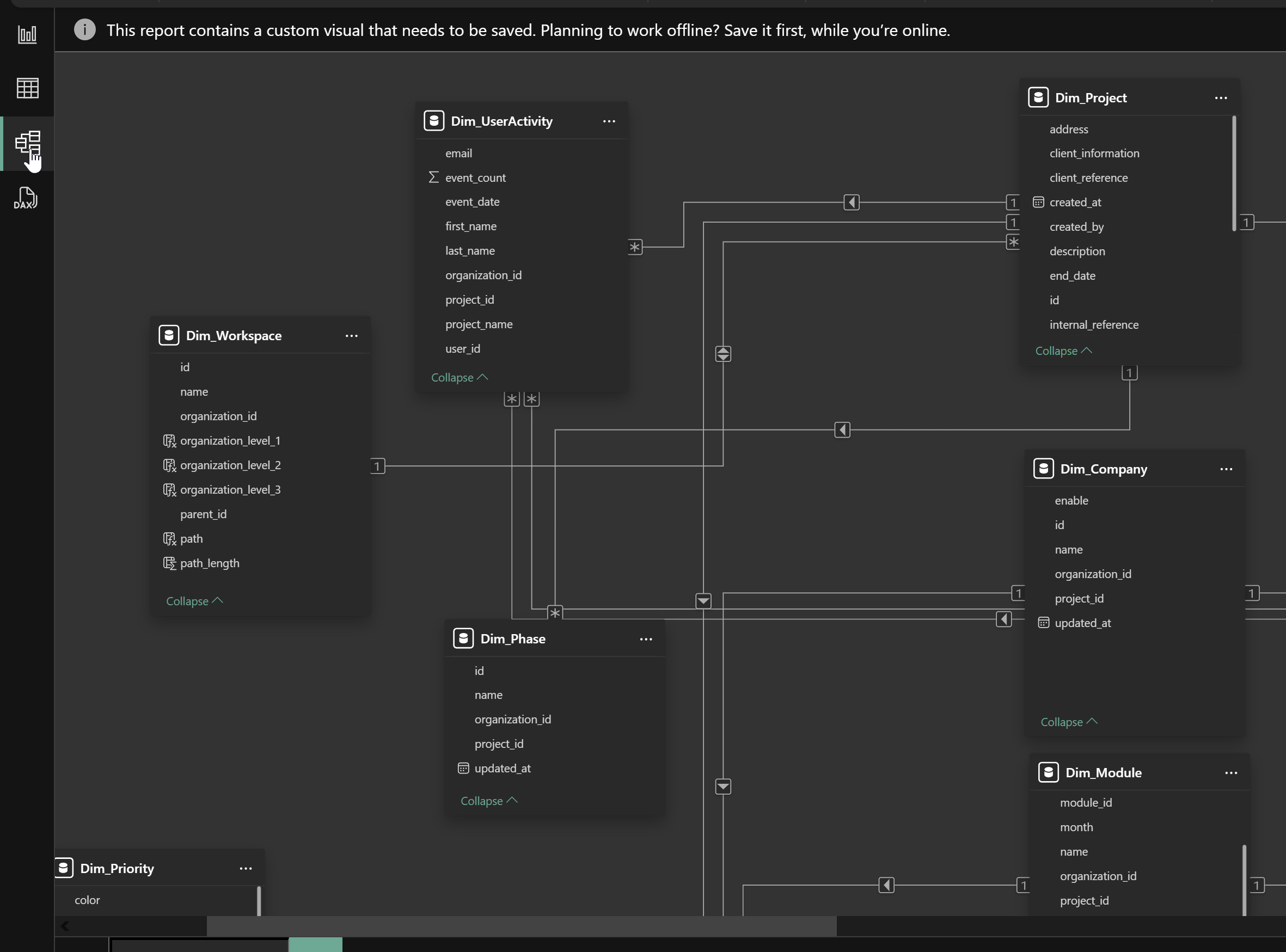
If you add your own custom sources, it is also possible to create relationships between these new tables and the existing tables in the model. This ensures seamless integration of your data and enriches your analyses.
Several tabs are available on the dashboard, allowing you to gain a comprehensive overview of your organization. To explore them, click here.