
Save time on your tasks with the new bulk image download feature on mobile. In the Observations module, switch to "gallery" view to see all the photos linked to your tasks.
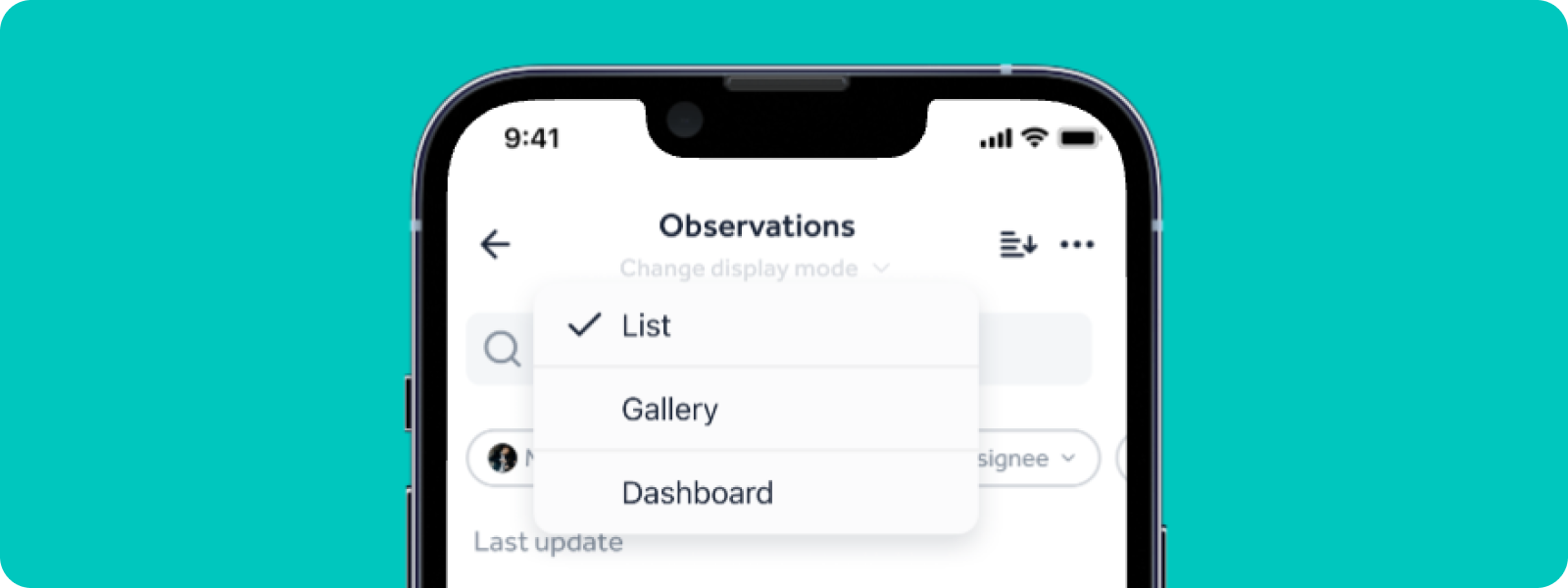
🖼 Download or share multiple images in one go
No more downloading one by one! Select all the images you want: one image will download directly, several images will be grouped in a ZIP archive that keeps your folder structure.
On Android, the ZIP file goes to your downloads. On iOS, you get to choose where to save it but you can also share it.

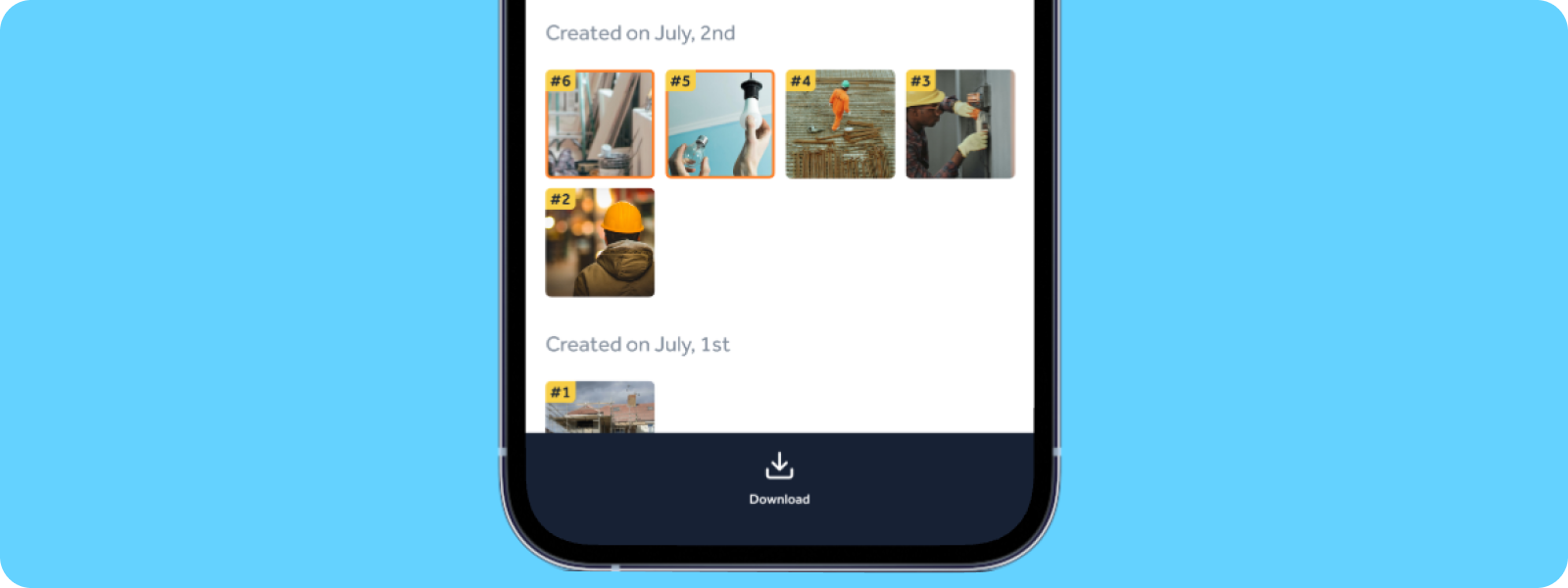
🚀 Faster and better organized
With this new feature, export or share all your images in just a few clicks and keep your folders neat and tidy. Make your life easier out in the field and get more done!
Try out bulk image downloads on mobile now!