
Set up a project
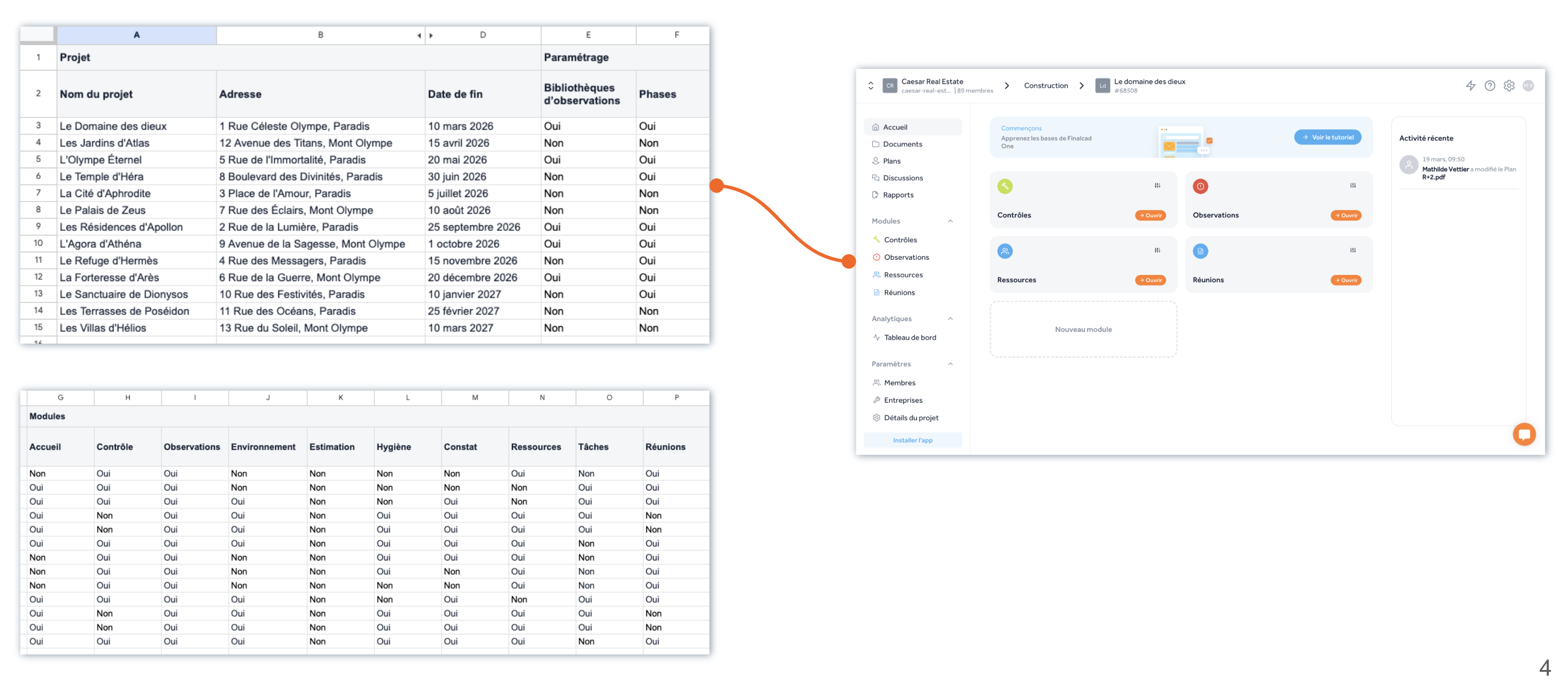
You can automatically create all your projects in Finalcad One using Excel or your usual project management tool, for example with the following items defined:
Project name
Address
Location in the workspace hierarchy
Members and associated rights
Modules
Companies
In the same way, you can edit or delete them automatically.
You can also automatically create your workspaces, with the members you want.
Add members
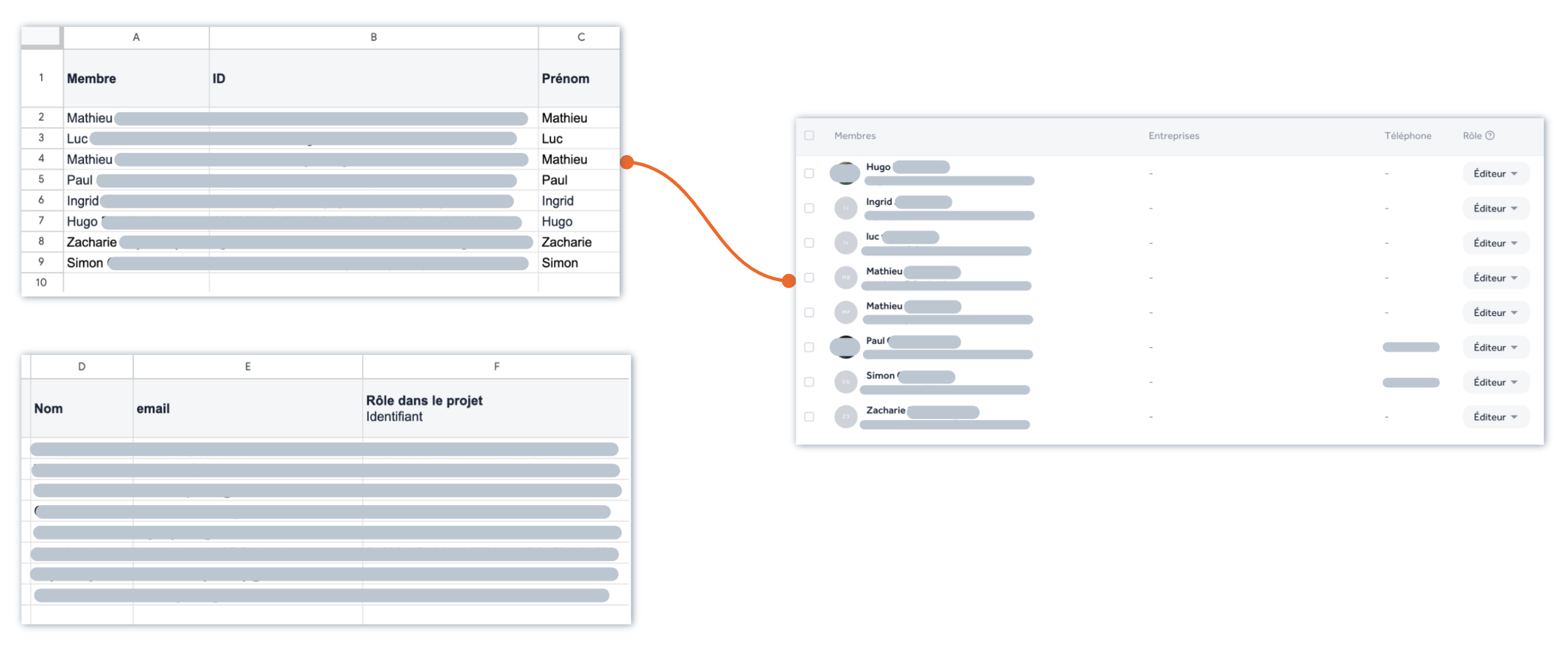
You can automatically add members to your organization, workspaces, and projects by syncing with your HR system.
So, every time someone joins your company, you can automatically add them to Finalcad, with the right access and permissions.
In the same way, you can automatically remove access to Finalcad One for members who leave your company.
Import a plan or document tree
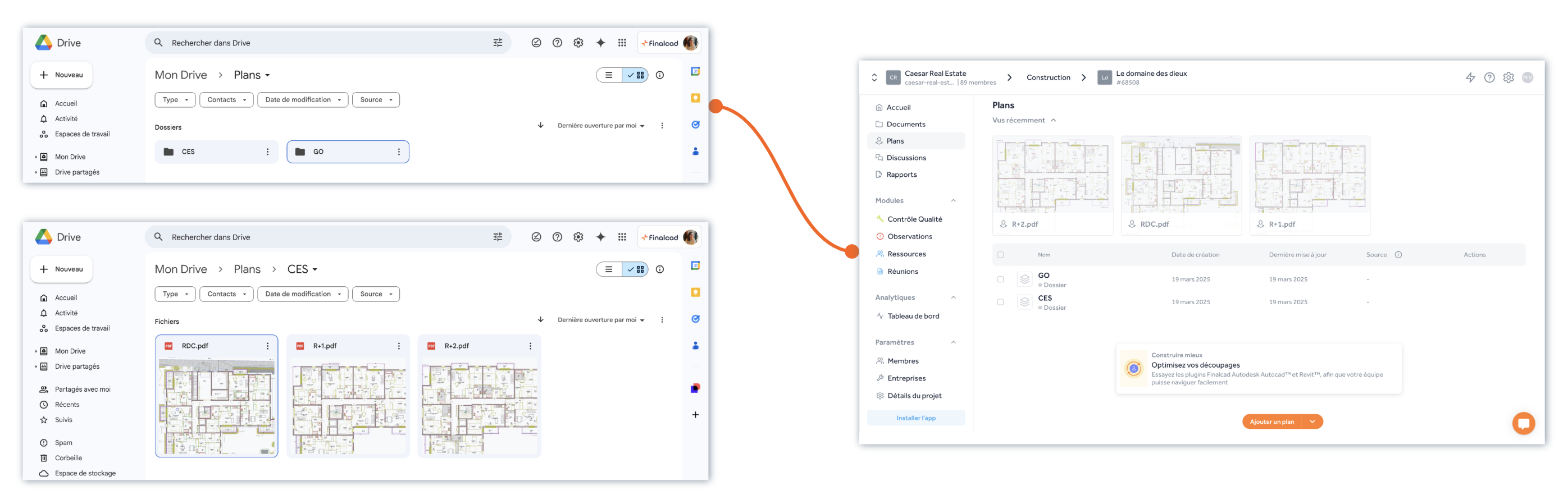
You can automatically update, validate, and distribute your plans and documents from your EDM tool (electronic document management) to Finalcad. Whether it's from our EDM (Wizzcad), OneDrive, Sharepoint or any other EDM you use.
Set up the project phases
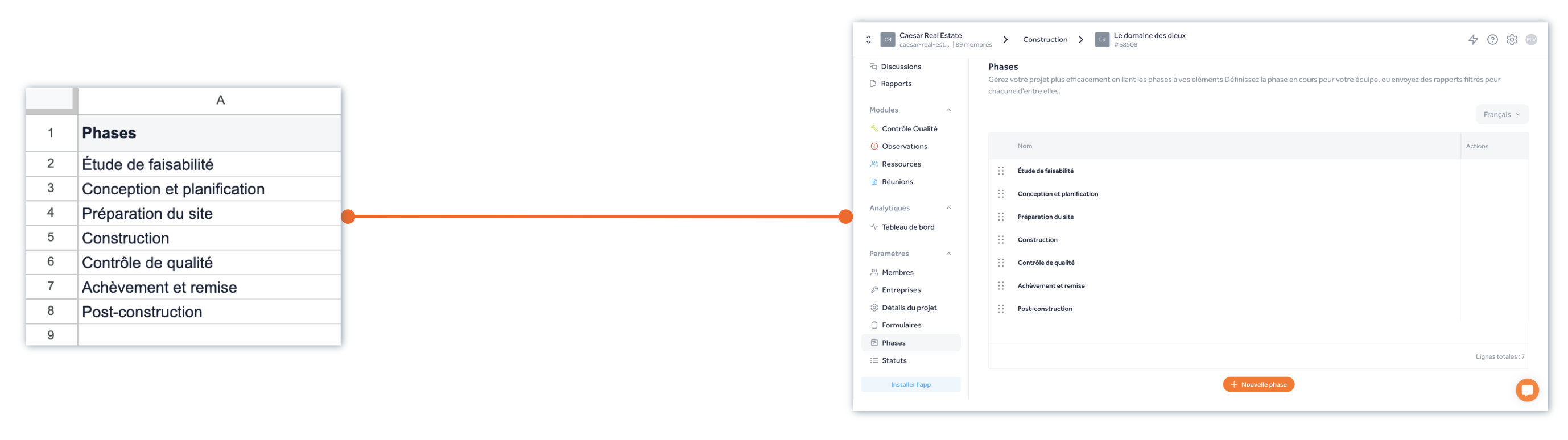
You can set up your project phases so they match the different stages of your site.