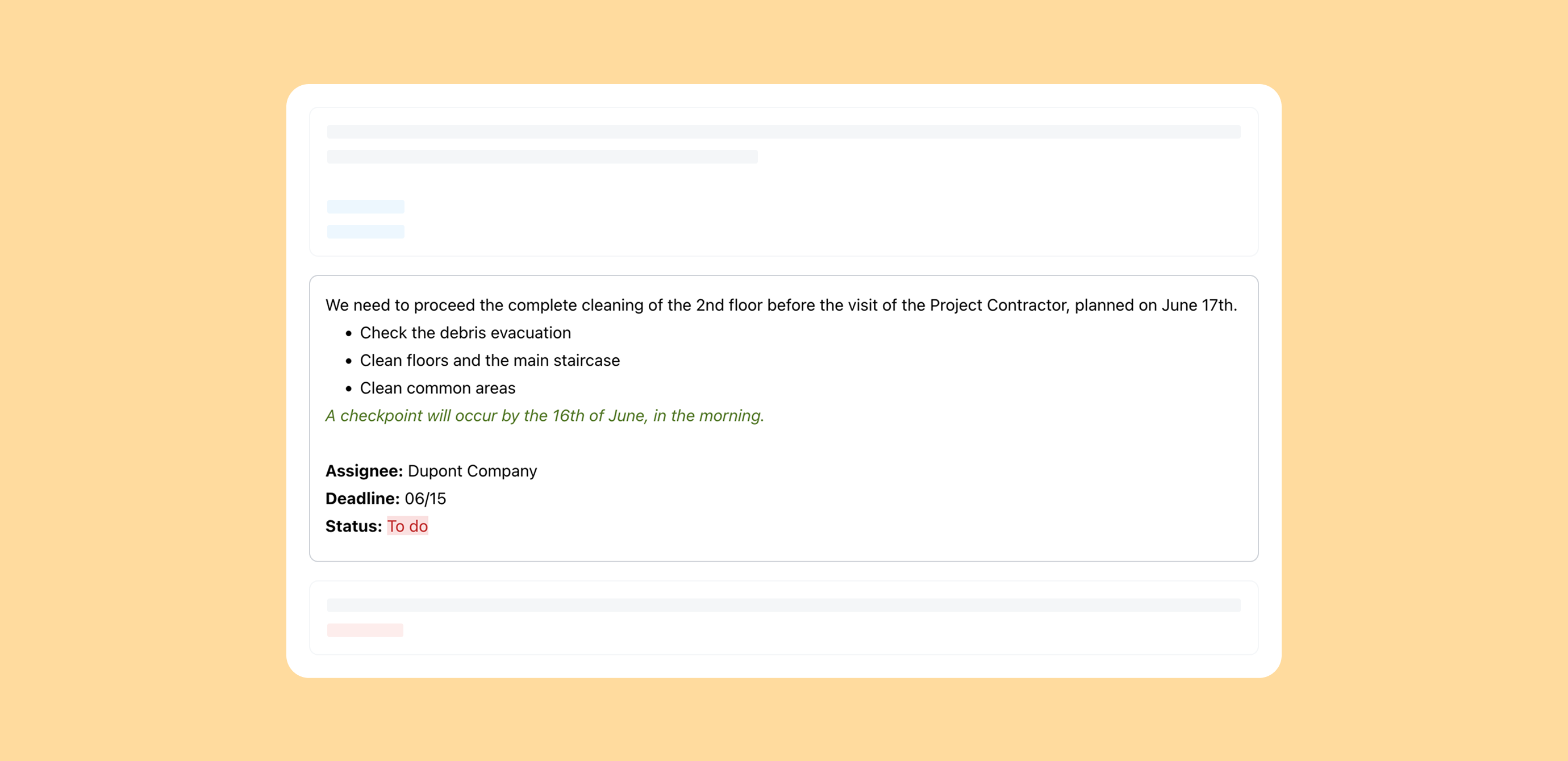
Make your meeting minutes stand out with the new text formatting options: you can now apply bold, italics, underline, create bullet or numbered lists, add checklists, insert links or change text color.
Notes gain in clarity and efficiency: a status to see at a glance where each item stands, clearly assigned owners, linked companies, and a deadline so nothing slips through the cracks.
Each piece of information stays discreet and only shows when useful. Result: for the project manager, organizing the meeting gets easier and more structured; for the onsite operator, it's way easier to see at a glance what they need to do.
The formatting applied to your notes will be strictly followed in the meeting reports: whatever you write and format in the interface will show up exactly the same way in the generated report, guaranteeing perfect consistency and better readability for everyone.